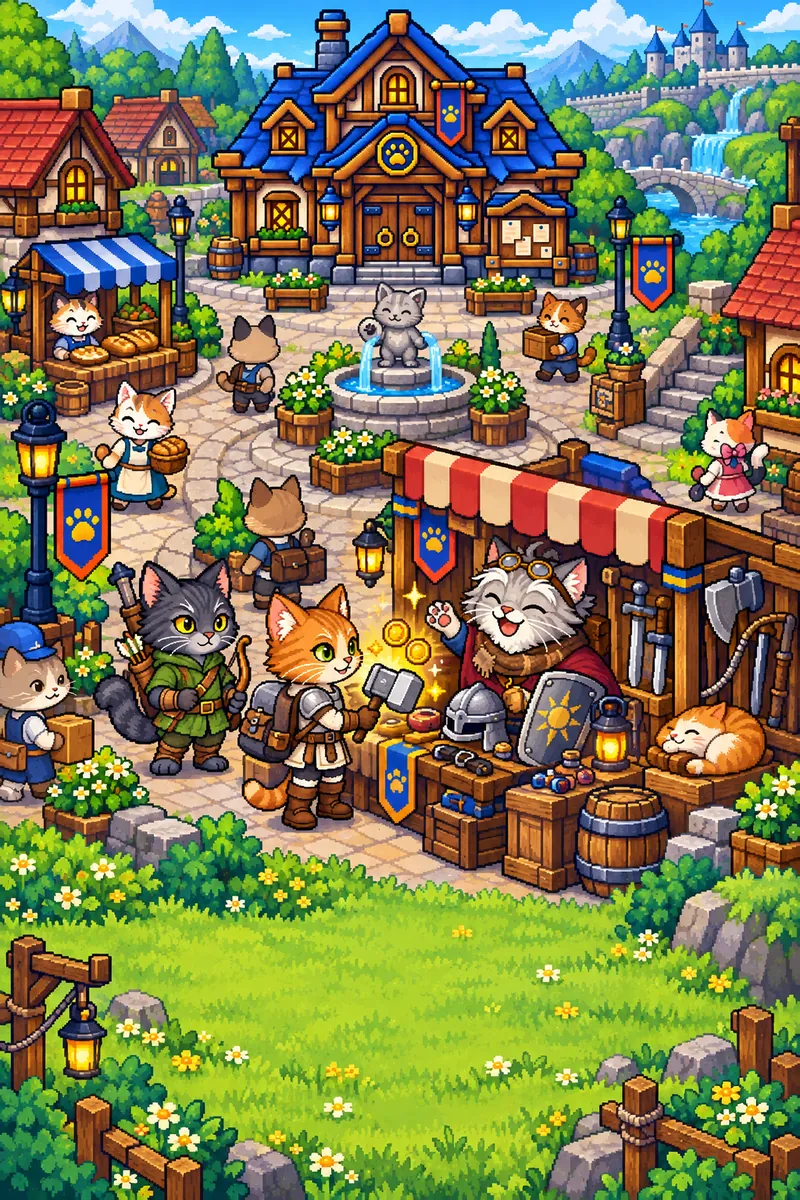
Paw & Sword has 45 hero classes, seven rank looks per class, several clips per look (idle, walk, attack, skill, getting hurt) and up to five drawn views per clip. That adds up to a very large number of animation strips. The danger is not one bad strip. It is a thousand strips that are each slightly off in a different way.
When you watch a hero walk, your eye catches tiny mistakes: the cat growing for one frame, the feet sinking below the ground, the eyes changing colour, a cape that vanishes for a frame and comes back. None of these show up in a single still image. All of them show up in motion. This post lists the rules I use to keep the strips consistent. They are boring on purpose.
Start from a pose reference
Every class has a base look, the Normal rank, with a complete set of strips. Those frames are the pose reference for every higher look. Before a new strip is made, the matching base frames are laid out as a pose board, in order, at the right size.
The higher look then follows those poses exactly: same number of frames, same order, same timing. Only the outfit and gear change. This has two benefits. Motion stays identical across ranks, so a hero who ranks up still moves like themselves. And the game code that plays the animation does not care which look is active, because every look has the same frame layout.
The cat itself is fixed by the class's identity sentence, which I described in one cat per class.
The 8-frame sheet rule
New frames are produced on sheets, and every sheet follows the same layout:
- Exactly eight figures: eight frames of one strip of one look.
- A 4 by 2 grid, read like text: top row is frames 1 to 4, bottom row frames 5 to 8.
- Every figure fully inside its own cell, with empty space around it.
- All eight at the same scale, with the feet of each row on one line.
- No text, numbers, grid lines or ground shadows. A transparent background, or a flat colour that never appears in the art.
Strips that are not eight frames long still use eight-frame sheets. A ten-frame strip uses two sheets, frames 1 to 8 and frames 3 to 10. A four-frame strip repeats its frames to fill the sheet. The overlap is useful: the duplicate frames are spare takes, and a bad frame can be swapped for its spare without redoing the strip.
Why such a strict layout? Because a predictable sheet can be cut by a script. Nobody crops frames by hand, and a script makes the same decision every time.
Cutting and scaling by script
The cutting script looks for one figure in each cell. If two figures touch, or a cell is empty, it refuses and says why. Failing loudly is a feature: a sheet that is cut "mostly right" is worse than one that is rejected.
Scaling is where most size problems come from. The tempting approach is to fit each frame to its own bounding box. That breaks immediately: an attack frame with a raised sword has a taller box than an idle frame, so fitting it would shrink the cat. When the strip plays, the hero seems to pulse. I call that a size pop.
The fix is to scale the whole strip by one factor, so the cat's body is the same size in every frame, and to align frames on a common anchor: the feet. The lowest solid row of the figure sits on the same row of every frame. Weapons and effects are allowed to stick out above or to the sides. Jumps are a deliberate exception and are checked by eye.
Finally, edges are made hard. Pixel art with soft, semi-transparent edges looks blurry when the game scales it, so every pixel is either fully visible or fully transparent.
Checking: contact sheets and a short list
Every finished strip gets a contact sheet, a single image with all frames in a row next to the reference, and it is also played in a loop at normal and 2x speed. The checklist is short:
- Size: does the cat stay the same size in every frame?
- Feet: do the feet stay on the line, without bobbing or sliding?
- Eyes: is the eye colour right in every frame? It is the detail that slips most often.
- Outfit: are all parts present in every frame: cape, shoulder piece, belt, hat?
- Weapon: does it stay in the same paw for the whole strip?
- Edges: any leftover background pixels around the outline?
If one frame fails, only that frame is replaced, ideally with a spare take from the sheet. Redoing whole strips for one bad frame is how pipelines get slow.
Why the boring rules are worth it
Consistency is what makes small sprites feel alive. A walk cycle where every frame matches reads as one character moving. A walk cycle with one wrong frame reads as a glitch, even if nobody can say which frame it was.
The rules also make the pipeline repeatable. Problems are caught by a script or a checklist instead of by a player. And once the format is fixed, the same steps work for directional views too, which mattered a lot when heroes learned to walk in eight directions.